
Stream Live Sports Online: The Ultimate IPTV Guide for Fans
You are a die-hard fan. You follow your team through every match, every tackle, every goal. But somewhere along the way, watching sports became a logistical nightmare. You need a subscription for Premier League, another for Champions League, a third for UFC, and a fourth for local broadcasts — and after all that, you still hit “This event is blacked out in your region.” It is time to consolidate everything onto one screen. Here is how to stream live sports online the right way.
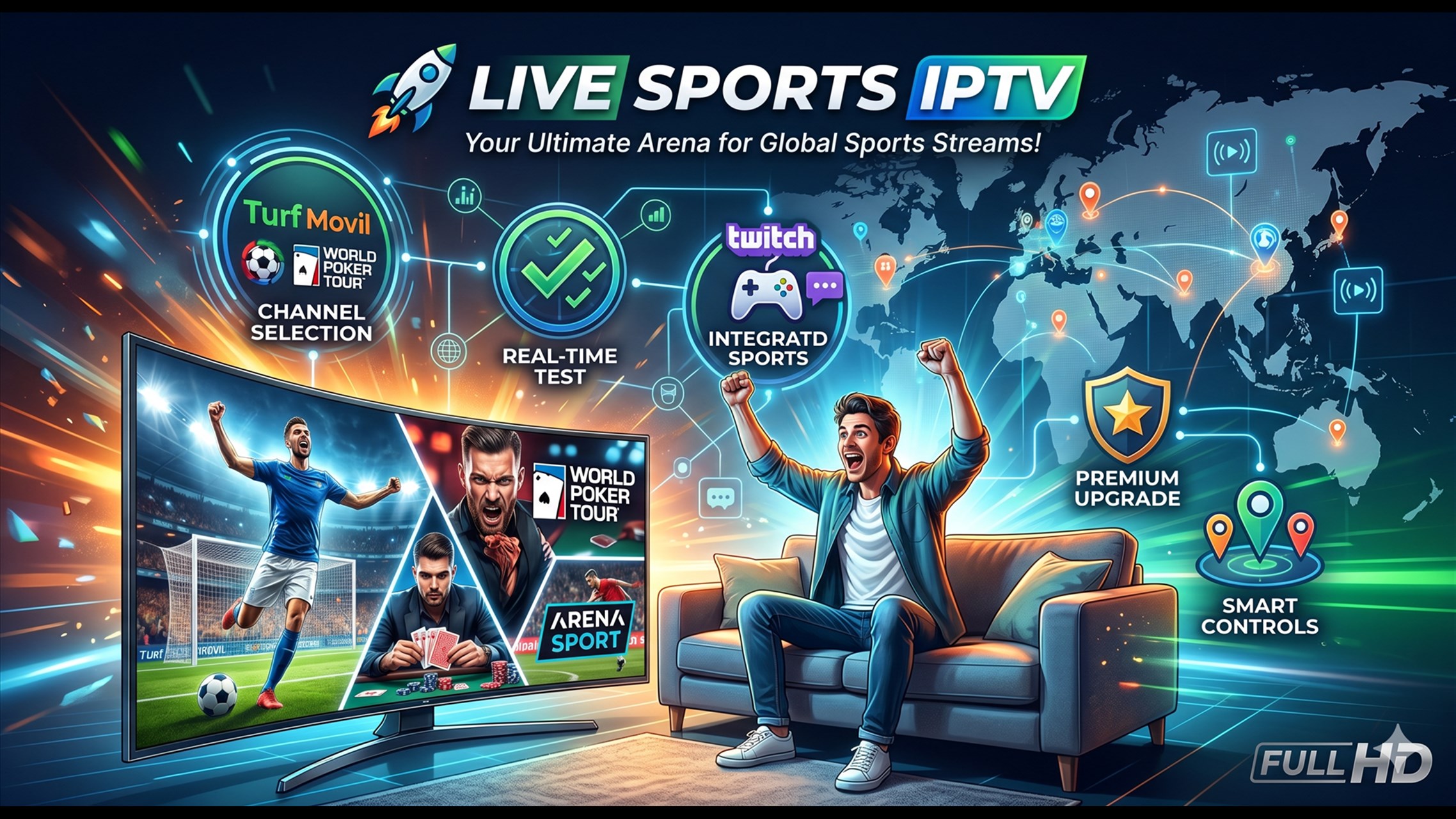
The High-Stakes Demand of Live Sports Streaming
Live sports broadcasting is fundamentally different from streaming movies or pre-recorded series. A film can buffer for a few seconds and nobody notices. A live match cannot afford a single second of interruption. When your team is on a counter-attack or the fighter is setting up a knockout combination, your stream must deliver every frame in real time.
The technical demands are immense. Live sports feeds require sustained, uninterrupted bandwidth with real-time frame processing. A delay of even thirty seconds can ruin the experience when your phone lights up with a notification or a neighbour shouts before you see the goal. This is why stable live match streaming requires infrastructure that goes far beyond what standard video-on-demand services use. The server must encode, packetize, and deliver the feed with minimal latency while maintaining broadcast-quality resolution.
Key Infrastructure Features Sports Fans Must Require
Not all streaming services can handle live sports. If you want to trulystream live sports online without compromise, look for these non-negotiable technical features.
High Frame Rate Options — 60 FPS vs. 30 FPS
Frame rate is the single most important video specification for sports. Standard television broadcasts at 30 frames per second (FPS). This is adequate for news and talk shows, but for fast-moving sports — a football being crossed into the box, a puck flying across the ice, a Formula 1 car taking a corner at 200 mph — 30 FPS produces noticeable motion blur. You lose visual information between frames.
A true 60 FPS feed captures twice as many frames per second, producing buttery-smooth motion that lets you track the ball, the players, and the action continuously without stutter. When evaluating a provider, specifically ask whether their sports channels are delivered at 60 FPS or upscaled from 30 FPS. Native 60 FPS broadcasting is the gold standard for anyone serious about watching football live high frame rate.

Hyper-Stable Anti-Freeze Edge Nodes
The biggest test of any streaming provider is a major live event. Champions League finals, Super Bowl Sunday, UFC championship nights, and World Cup matches draw millions of concurrent viewers. Underpowered servers crash under this load. The stream freezes, the screen goes black, and you miss the goal that everyone is already talking about.
Premium providers combat this with anti-freeze edge node architecture. Instead of routing all traffic through a single server, the load is distributed across dozens of geographically dispersed edge nodes. When one node nears capacity, traffic is dynamically shifted to underutilized nodes. This server headroom ensures that even during peak global events, your stream remains stable. If a provider cannot articulate their anti-freeze infrastructure, they are not equipped for live sports.
Diverse Local and International Feeds
Regional blackouts are the most frustrating barrier in sports broadcasting. A match may be airing on a local network that has exclusive rights, leaving you unable to watch even though you have a subscription. Premium IPTV providers bypass this by offering multiple feed sources for the same event. You can switch between the local broadcast, the international feed, and alternative language commentary tracks. This ensures you always have access regardless of where you are located or what blackout restrictions are in place.
A true premium sports service aggregates feeds from major networks across the US (ESPN, FOX Sports, NBC Sports), the UK (Sky Sports, BT Sport), Europe (DAZN, beIN Sports), and other international markets. This diversity is the key to being able tobypass regional sports blackouts permanently. Our sports section andlive TV page detail the full range of available leagues and networks.
Optimizing Your Media Player Settings for Live Athletics
Even with the best server infrastructure, your local setup affects your viewing quality. Sports streams are data-heavy and require specific player configurations for optimal performance.
- Enable hardware decoding: In your media player settings, ensure hardware decoding is enabled. This offloads video processing from the CPU to the device's dedicated graphics chip, reducing lag and improving frame stability during high-motion scenes.
- Select a low-latency player configuration: Some media players offer a “low latency” or “live” mode that reduces the buffer size to minimize the delay between the live action and your screen. In TiviMate, this is in Settings > Playback > Low Latency. In IPTV Smarters Pro, enable “Live TV” mode in Player Settings.
- Use a wired Ethernet connection: Wi-Fi introduces variable latency and packet loss that degrades live sports streams. For the best experience, connect your streaming device directly to your router with a Cat6 Ethernet cable. This single change has a dramatic impact on stream stability.
- Close background applications: Streaming devices have limited memory. Close unused apps and background processes before kick-off to ensure your player has maximum available resources.

The Strategic Call-to-Action
You have been overpaying for fragmented sports coverage long enough. Five different apps, regional blackout restrictions, and constantly rising prices are not a fair deal for fans who just want to watch their team play.
Our premium subscription plans deliver the ultimate all-in-one sports portal. Native 60 FPS feeds for every major league. Dedicated sports routing servers that prioritize live event traffic. Anti-freeze technology that keeps your stream stable during the most watched moments of the year. Over 20,000 live channels including every major sports network from every region of the world. All on a single platform, on any device, with no blackouts.
Never Miss a Match Again
Stop juggling five apps and hitting blackout screens. Get every league, every match, every sport on one platform with 60 FPS quality and anti-freeze stability.
Key Takeaways
- Live sports streaming demands uninterrupted bandwidth and real-time frame processing — standard VOD infrastructure cannot handle it
- Native 60 FPS feeds are non-negotiable for fast-moving sports; they eliminate motion blur and deliver broadcast-quality smoothness
- Anti-freeze edge node architecture distributes server load during peak events to prevent buffering and crashes when millions are watching simultaneously
- Multiple feed sources (local, international, alternative commentary) let youbypass regional sports blackouts entirely
- Our premium sports m3u subscription delivers 60 FPS, dedicated sports routing, anti-freeze servers, and 20,000+ channels. Browse plans or check our sports coverage
Related Articles
Anti-Freeze Technology: How We Ensure Stable Streaming
The engineering behind our buffer-free live sports streaming infrastructure.
How to Fix IPTV Buffering: Tips and Tricks
Troubleshooting guide for buffer-free live sports and entertainment streaming.
The Ultimate Guide to Live TV Streaming Without Cable
Complete cord-cutting guide for sports fans switching from cable to streaming.