
One Subscription, All Devices: The Multi-Device IPTV Guide
Your streaming habits do not stop at the living room couch. Learn how an IPTV multi-device subscription keeps every screen in your home — and everyone in your family — connected simultaneously, without extra fees or performance drops.
The Multi-Screen Reality — and the Subscription Trap
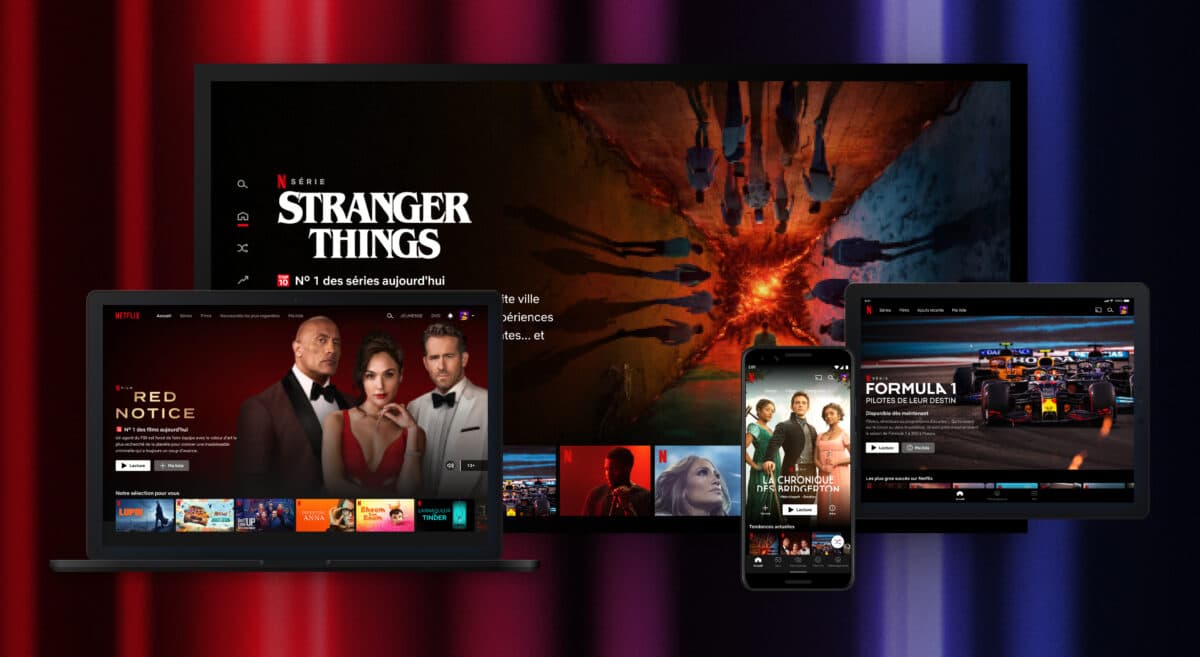
The average household now owns seven connected devices. Streaming is no longer a living-room-only activity — it happens on the morning commute phone, the office lunch-break laptop, the kitchen tablet while cooking, and the bedroom TV at night. Yet most streaming platforms still treat each device as a separate license. You pay for a family plan, but “too many screens” errors appear. You log into a new phone, and the old one gets kicked off.
This is the multi-device trap. Providers claim to support multiple screens but cap the number ofsimultaneous IPTV connections so aggressively that a family of four cannot watch four different channels at the same time. Others restrict certain content to “TV only” or “mobile only,” defeating the purpose of a unified subscription.
A properly engineered IPTV multi-device subscription eliminates these artificial limits. One account, one billing cycle, and every screen in your home — smart TV, smartphone, tablet, laptop, desktop — connects to the same live channel catalog, EPG data, and video-on-demand library simultaneously. The only thing that changes is the screen size.
The Mechanics of Multi-Device Provisioning
Understanding how a modern IPTV framework manages multiple devices under one profile helps you choose the right plan and configure your household correctly.
Simultaneous Connections vs. Registered Device Pools
These two terms are often confused, but they describe very different limits:
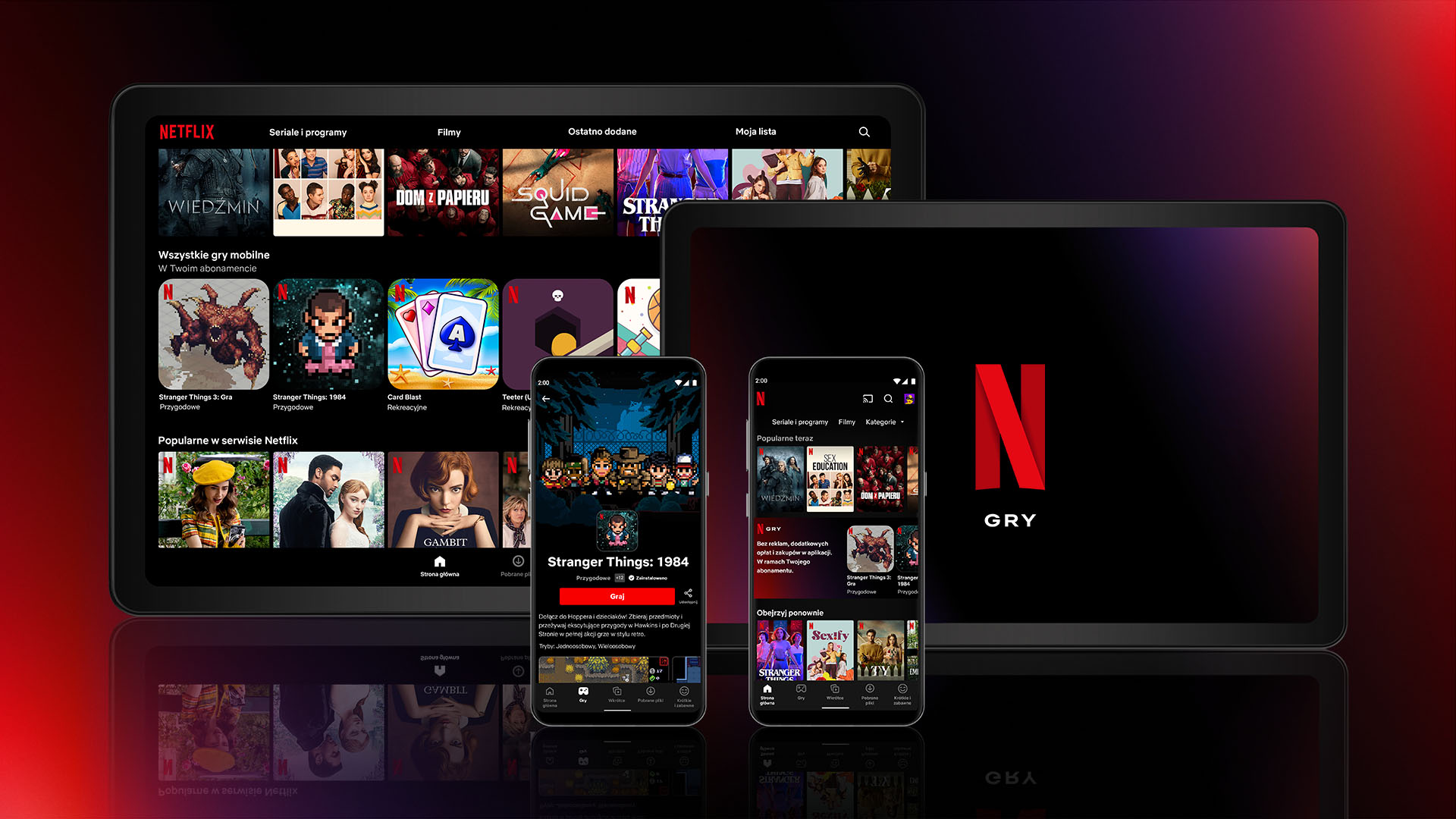
- Simultaneous connections refer to the number of active video streams playing at exactly the same moment under one account. If your plan includes four simultaneous connections, four different devices can stream four different channels concurrently. The fifth device will be blocked or will cause the earliest-connected device to disconnect.
- Registered device pool refers to the total number of hardware devices that have been authorised on the account — whether they are actively streaming or not. A plan might allow ten registered devices but only two simultaneous streams. This distinction matters for families: you can have everyone's phone, tablet, and TV linked, but only a subset can watch at the same time.
Premium multiple screen streaming subscription plans offer generous limits on both fronts. The best configuration for a household of four is at least four simultaneous connections with an unlimited or very large device pool, so you never have to decide who gets to watch.
Cross-Platform Delivery Frameworks
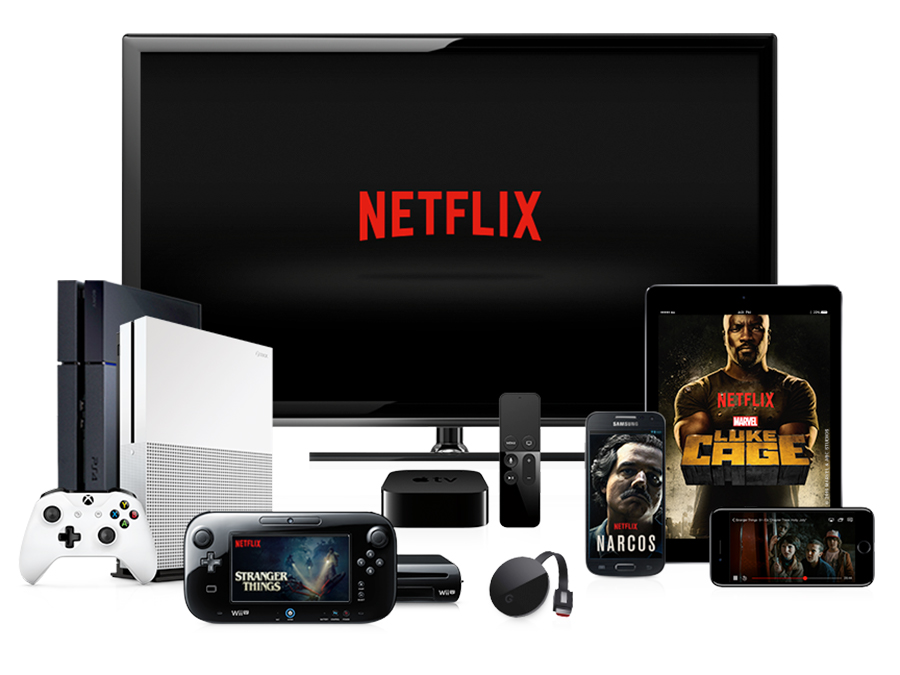
The reason IPTV works across so many devices is the underlying delivery framework. Whether the provider uses a standard M3U URL or an Xtream Codes API, the content is delivered as a list of stream URLs that any compatible player can parse. This is what makes truecross platform M3U access possible:
- Android / Android TV: Apps like IPTV Smarters Pro, TiviMate, and OTT Navigator accept M3U URLs and Xtream Codes credentials natively
- iOS / Apple TV: IPTV Smarters Pro, GSE Smart IPTV, and iSTB load the same playlist from the same server
- Windows / macOS: VLC Media Player, IPTV Smarters Pro Desktop, and IINA handle the identical M3U file without reformatting
- Linux: VLC, Kodi, and Hypnotix provide full support for the same playlist structure
Because the playlist lives on the provider's server and is fetched each time the app opens, any change you make — adding a favorite, renaming a group — is device-local unless the app supports cloud sync. More on that below.
Optimizing Your Household Network for Multi-Screen Streaming
The single biggest bottleneck in a multi-device IPTV setup is not the subscription — it is the home network. Running three or four simultaneous HD or 4K streams consumes significant bandwidth. Without proper configuration, even a fast internet plan will produce buffering, artefacts, and connection drops.
Bandwidth Requirements by Stream Count
Here is a practical guide to the internet speed you need for a given number of simultaneous streams:
- 1 stream (HD): 10–15 Mbps down
- 1 stream (4K): 25–35 Mbps down
- 2 simultaneous HD streams: 25–30 Mbps down
- 3–4 simultaneous HD streams: 50–75 Mbps down
- 2 4K streams + 1 HD: 75–100 Mbps down
If your plan delivers 100 Mbps but you experience buffering at 30 Mbps of actual usage, the issue is likely not speed but network congestion. This is where Quality of Service (QoS) configuration comes in.
Setting Up Smart QoS Rules on Your Router
QoS allows you to tell your router which types of traffic to prioritise when bandwidth is contested. For a household running simultaneous IPTV connections, follow these steps:
- Access your router's admin panel — typically at 192.168.1.1 or 192.168.0.1. Look for a QoS, Traffic Control, or Bandwidth Management section.
- Enable QoS and set the upload/download speeds to match your actual plan (not the default values, which are often lower).
- Create a priority rule for streaming traffic. Some routers have presets for “Streaming” or “Video.” If yours requires manual port rules, add the ports used by your IPTV player (commonly 80, 443, 8080, and 554 for RTSP).
- Assign higher priority to wired connections for stationary devices (TVs, desktop PCs) and lower priority to wireless channels used by casual browsing. This ensures that a 4K stream on the living room TV is never interrupted by a laptop downloading a system update on Wi-Fi.
Managing Wireless Channel Distribution
If multiple devices stream over Wi-Fi, channel congestion becomes a real problem. A dual-band or tri-band router helps significantly:
- Use the 5 GHz band for high-bandwidth streaming devices (TVs, tablets near the router). 5 GHz offers faster speeds and less interference but shorter range.
- Use the 2.4 GHz band for devices farther from the router or for background tasks (smart speakers, IoT devices). 2.4 GHz penetrates walls better but shares airtime with neighbours and household appliances.
- Consider a mesh Wi-Fi system if your home has dead zones. Mesh nodes ensure that a tablet moving from the kitchen to the bedroom maintains a consistent connection without dropping the stream.
Synchronizing Your Playlists and Preferences Across Devices
One of the most practical challenges of an IPTV multi-device household is keeping your channel favourites, custom categories, and EPG settings consistent across every screen. Without synchronisation, you end up configuring the same playlist on five different devices manually.
Cloud-Sync Capable Players
Some modern IPTV players solve this by storing your preferences in the cloud, linked to your login. TiviMate, for example, supports backup-and-restore across devices using a local file, while IPTV Smarters Pro stores your playlist URL in its configuration so that re-entering your Xtream Codes credentials on a new device pulls the same data instantly. The key is to choose players that use the same backend — if you set up your favourites on the living room TV, you want them to appear on the bedroom tablet without manual re-entry.
Consistent EPG Configuration
An EPG (Electronic Program Guide) relies on XMLTV data linked to each channel'stvg-id. If your provider supplies a single EPG URL, every device using that URL will display the same programme schedules. When you configure the time offset or preferred language on one device, you may need to repeat the setting on others — unless the app supports cloud profile sync. Always check whether your chosen player offers this feature before committing to a family live TV plan.
Shared Favourites and Parental Controls
For families, the ability to set shared favourites and parental controls across devices is a major convenience. Some players allow you to create separate profiles per family member, each with its own favourites list and content restrictions. This means the children's tablet shows only the kids' channels, while the living room TV has the full 20,000-channel catalog. When combined with a multiple screen streaming subscription that supports enough simultaneous connections for every family member, this creates the ideal household streaming environment.
The Strategic Case for a Multi-Device IPTV Subscription
The math is simple. Paying for separate device licenses, platform-specific subscriptions, and per-room streaming solutions quickly adds up to more than a single, well-configuredIPTV multi-device plan. A family of four might otherwise spend on:
- Two separate live TV streaming services for different rooms
- A mobile-specific streaming pass for phones and tablets
- A sports package with limited simultaneous streams that forces family members to watch the same game
Replace all of that with one subscription that delivers cross platform M3U accessto every device you own. One login. One playlist. Every screen. The provider handles the server infrastructure, the edge nodes, the load balancing, and the EPG data. You and your family just pick what to watch.
All Your Screens. One Subscription. Zero Compromises.
Stop buying separate streaming licenses for each device in your home. Unlock a true multi-device IPTV subscription with generous simultaneous connections, cross-platform compatibility, and network-optimised delivery. Explore our plans and connect every screen today.
View Subscription PlansKey Takeaways
- IPTV multi-device subscriptions eliminate the frustration of per-device licenses and “too many screens” lockouts by treating every screen equally under one account
- Simultaneous connections (active streams) and the registered device pool (linked hardware) are different limits — always check both before purchasing a family live TV plan
- Cross platform M3U access works because the same playlist URL or Xtream Codes credential is compatible with Android, iOS, Windows, macOS, and Linux players
- Home network optimisation — particularly QoS rules, band separation (2.4 GHz vs 5 GHz), and mesh Wi-Fi — is essential for running three or four simultaneous IPTV connectionswithout buffering
- Cloud-synced players keep your favourites, EPG settings, and parental controls consistent across every device, making a multiple screen streaming subscription truly set-and-forget. Browse our plans or start afree trial to experience multi-device streaming done right
Related Articles
Get Your 24 Hours Free Trial
Test multi-device streaming on every screen in your home with a risk-free 24-hour trial.
Optimizing IPTV for Android TV and Firestick
Configure hardware acceleration and cache settings on the most common living room devices.
20,000 Live Channels with One Subscription
The full catalog guide — what a 20,000-channel lineup contains and how it is organized.