
Smart IPTV: Setup, Apps, and How to Choose
A practical guide for Smart TV owners (Samsung Tizen, LG webOS, Android/Google TV) covering setup with M3U/Xtream Codes, the best IPTV apps, and how to pick a premium provider that stays stable during peak hours.
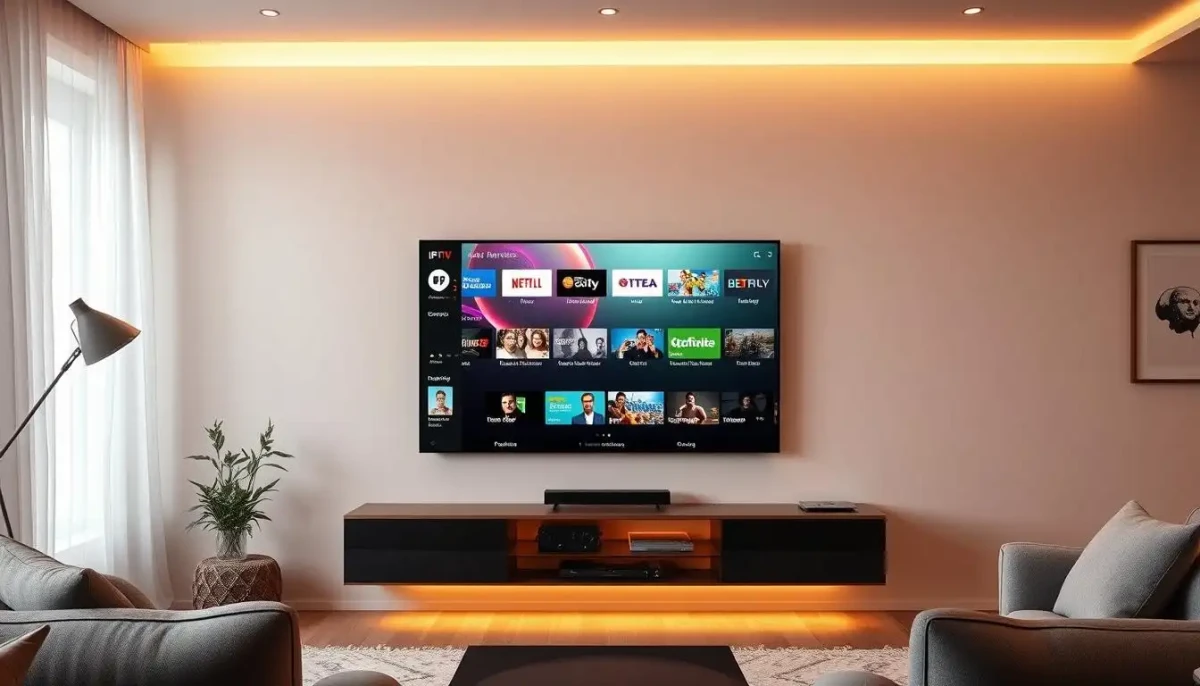
What you need before you start
- An IPTV app on your TV (see options below).
- Your IPTV details: either an M3U URL (often ending with .m3u/.m3u8) or Xtream Codes credentials (server/host, username, password).
- A stable internet connection: aim for ~10 Mbps per HD stream, 25+ Mbps for 4K, multiplied by simultaneous screens.
Best Smart IPTV apps for Smart TVs
Common, well‑supported choices include:
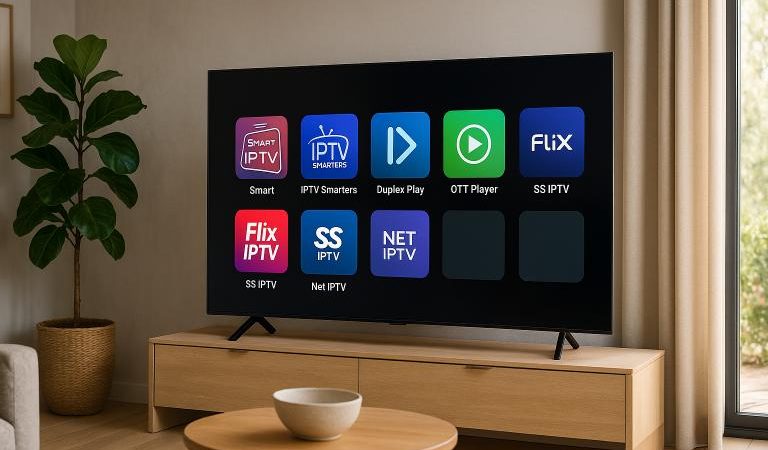
- Smart IPTV (SIPTV) — popular on Samsung/LG; clean interface and M3U playlist support.
- IPTV Smarters Pro — user‑friendly across Smart TVs and Android TV; supports M3U and Xtream Codes.
- TiviMate — advanced Android/Google TV app with powerful EPG and customization.
- Smart STB / SET IPTV / SS IPTV — alternatives often used on Samsung/LG when a specific app isn’t available in a region.
On Samsung (Tizen) and LG (webOS), availability varies by region. If one app isn’t accessible in your store, choose another from the list. Many apps accept M3U links; some also support Xtream Codes (server, username, password).
Useful resources
Internal links
Setup walkthrough (Smart IPTV, Smarters, TiviMate)
Samsung Tizen
- Open Apps on your Samsung TV and search for your player (Smart IPTV or IPTV Smarters Pro).
- Install the app. If unsupported in your region, use an alternative app from the list.
- Launch the app, then enter either your M3U URL or your Xtream Codes details.
- Load the playlist, wait for groups/channels to populate, and verify EPG data when available.
LG webOS
- Open the LG Content Store and search for Smart IPTV or IPTV Smarters Pro.
- Install and open the app.
- Provide M3U or Xtream Codes credentials, then load your channels.
Android/Google TV
- Install TiviMate (advanced) or IPTV Smarters Pro (simple) from Google Play.
- Enter your M3U URL or Xtream Codes login.
- Customize EPG, groups, and playback options. Consider premium for TiviMate if you want advanced features.
How to choose a premium IPTV provider
- Server stability and anti‑freeze: multiple server locations, CDN, load balancing, 99%+ uptime goals.
- Quality standards: HD/Full HD/4K with adaptive bitrate; solid performance during live sports.
- VOD library: tens of thousands of titles, frequent updates, multiple languages (including English dubs/subs).
- EPG & features: accurate EPG, catch‑up/time‑shift where available, robust search and grouping.
- Compatibility & support: Samsung/LG/Android TV, mobile, PC; responsive support via chat/email.
- Trials & pricing: short trials to test stability, fair pricing for single/multi‑screen usage.
Stability best practices
- Prefer Ethernet for your TV if possible. If Wi‑Fi, place the router close and use Wi‑Fi 5/6.
- Target ~10 Mbps per HD stream and 25+ Mbps for 4K, multiplied by simultaneous screens.
- Use app settings to pick the right resolution for your TV and bandwidth.
- Enable QoS on your router or avoid heavy downloads during peak sports events.
Quick comparison: apps & features
- Smart IPTV (SIPTV): clean, playlist‑centric; great on Samsung/LG.
- IPTV Smarters Pro: easy setup, parental controls, multi‑device support.
- TiviMate: powerful EPG, customization, advanced channel management.
- SET IPTV / SS IPTV / Smart STB: solid alternatives when regional availability limits another app.
FAQ — Smart IPTV
Do I need Xtream Codes or is M3U enough?
Most apps accept M3U URLs; many also support Xtream Codes. Use whichever your provider offers. Xtream often enables richer features like catch‑up.
Will this work in my country?
Store availability varies. If a specific app is missing, pick an alternative from the list. Streams require a stable internet connection.
Is IPTV legal?
Legality depends on licensed distribution. Choose providers with clear compliance and test before committing to long‑term plans.
Conclusion
For Smart TV owners, the best Smart IPTV experience comes from combining the right app and a reliable provider: stable servers, adaptive 4K/Full HD, accurate EPG, and responsive support. Follow the setup steps above and apply stability best practices to minimize buffering—especially during live sports.